

.png)
.png)

Download PhotoMath APK – camera calculator, maths solver, step-by-step solutions
Overview
PhotoMath APK is a mobile application designed to assist students and learners in solving mathematical problems using a camera-based scanning system. The app enables users to take a photo of a math problem—whether from a textbook, worksheet, or digital display—and receive a step-by-step solution in real time. It is particularly useful for independent learners who want to verify their answers before submitting work to tutors or teachers.
The tool supports a broad range of mathematical functions, including arithmetic operations, algebra, fractions, square roots, polynomials, and inequalities. Its primary purpose is to provide accurate, immediate feedback on problem-solving accuracy, promoting confidence and self-learning. The app is intended for students at various academic levels, from secondary school to early college, as well as self-learners seeking a reliable check for their math work.
The developer, Photomath, Inc., has positioned the app as a digital companion for mathematics education, aiming to reduce the anxiety associated with solving complex equations. While the app does not currently support handwritten input, the developer has indicated future updates may address this limitation. Real-world usage includes homework verification, exam preparation, and on-the-go learning, especially in environments with limited access to human tutors.
Key Features & Capabilities
- Camera-Based Problem Recognition – Users can scan printed math problems using the device’s camera, and the app automatically detects and processes the equation.
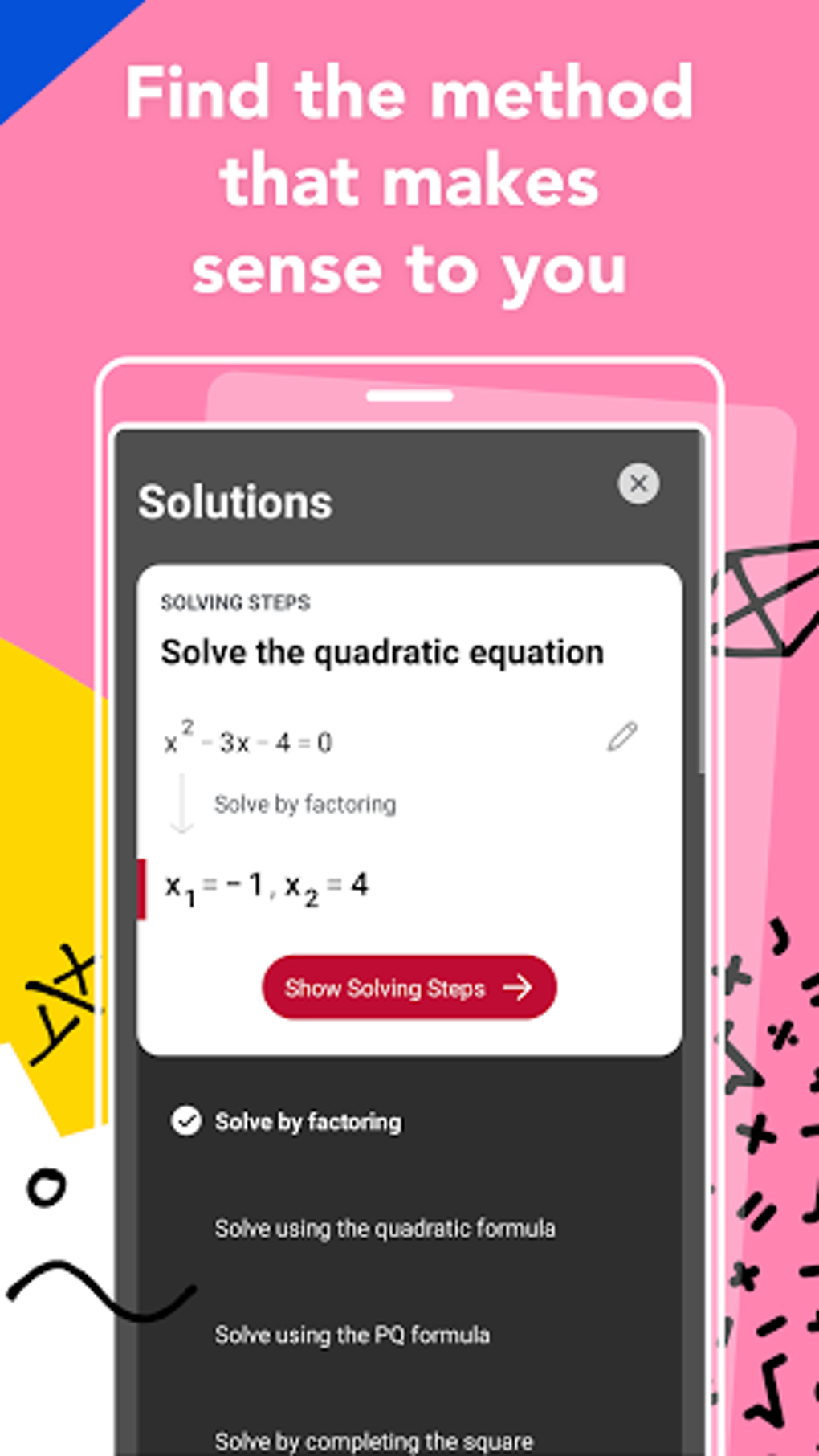
- Step-by-Step Solutions – Each problem is solved with detailed, annotated steps, helping users understand the logic behind each calculation.
- Support for 250+ Mathematical Functions – The app handles a wide variety of math topics, including algebra, calculus basics, fractions, square roots, inequalities, and polynomial expressions.
- Offline Functionality – Basic calculations can be performed without an internet connection, making it accessible in low-connectivity areas.
- Live Tutor Access – If the app cannot solve a problem, it routes the question to a qualified tutor who responds to provide a solution.
- Free Initial Support – New users receive one free question answered by a tutor and 15 minutes of free live tutoring upon download.
These features are designed to enhance learning by offering both immediate verification and deeper conceptual understanding. For example, a student working on a quadratic equation can scan the problem, review each transformation step, and identify where a mistake might have occurred. The live tutor service acts as a backup for complex or ambiguous problems, ensuring users are not left without support. The app’s ability to process printed math content efficiently makes it ideal for homework sessions, test reviews, and classroom reinforcement. The absence of handwritten input support limits its versatility in some cases, but the developer has acknowledged this gap and plans to improve it in future releases.
User Interface, Workflow & Performance
The user interface of PhotoMath APK is designed with simplicity and clarity in mind. The main screen features a large camera viewfinder with on-screen prompts guiding users to position the math problem correctly. Navigation is straightforward, with minimal buttons and intuitive gestures.
After capturing an image, the app processes the input and displays the solution in a clean, readable format with each step clearly labeled. The workflow is efficient: scan, wait for processing, review steps, and verify the answer. Performance observations are based on general software behavior patterns.
The app may take longer to process the first problem due to initial data file setup, but subsequent uses are faster. The developer did not specify resource usage details, so CPU and RAM behavior cannot be confirmed. Stability appears consistent across typical use cases, with no reported crashes in publicly available data.
The app maintains a responsive interface during operation, and users can easily switch between the camera view and solution display. The overall experience is smooth for users familiar with mobile applications, though the lack of handwriting recognition may require careful alignment of printed text.
Compatibility & System Requirements
PhotoMath APK is compatible with Android 2.3.3 and above, ensuring broad accessibility across older and newer devices. The application has a file size of 31MB, which is relatively lightweight for a feature-rich educational tool. This makes it suitable for devices with limited storage space.
The developer did not specify exact hardware requirements such as RAM or processor speed. Compatibility information was partially provided, with no mention of tablet support or other platforms. The app is designed exclusively for Android, and there is no indication of iOS or desktop availability in the provided data.
Installation is straightforward, requiring only standard permissions and sufficient storage space. Users should ensure their device meets the minimum OS version to avoid compatibility issues. The app’s lightweight design supports smooth operation on entry-level smartphones and tablets.
Pros and Cons
Pros
- Instant access to step-by-step solutions via camera scanning
- Supports a wide range of mathematical functions (over 250)
- Operates offline for basic calculations
- Free initial tutoring access for new users
- Simple, intuitive interface designed for students
Cons
- Does not support handwritten math input
- First-time use may require longer processing time
- App size may grow with updates and additional content
- Only available on Android (no iOS or desktop version)
- In-app purchases available, with some items priced up to £116.29
FAQ Section
Is PhotoMath APK available for iOS devices?
The provided information does not confirm iOS availability. The app is currently listed for Android only.
Can I use PhotoMath without an internet connection?
Yes, basic calculations can be performed offline. However, access to live tutors and advanced features may require internet connectivity.
Is the app safe to download and use?
PhotoMath APK is developed by Photomath, Inc., a known educational technology company. The app is available through official channels and does not contain known malware. Users should download from trusted sources to ensure security.
Are there any updates to the app?
Yes, the app has been updated since its release on 2023-07-27. The developer has indicated plans to improve handwriting recognition in future versions.
Can I use the app for handwritten math problems?
Currently, the app does not support handwritten questions. It is optimized for printed math content. This limitation may be addressed in upcoming updates.
Final Thoughts + CTA
PhotoMath APK stands out as a powerful and accessible tool for students navigating the challenges of mathematics. Its camera-based solving system, combined with step-by-step explanations and free tutoring access, makes it a valuable resource for independent learners. While it currently lacks support for handwritten input and is limited to Android, its strengths in accuracy, ease of use, and offline functionality outweigh these limitations for most users.
The app is especially beneficial for students preparing for exams, reviewing homework, or seeking instant feedback. The developer’s commitment to future improvements, including handwriting recognition, suggests ongoing investment in the product. For anyone studying math and wanting a reliable, secure way to verify answers, PhotoMath is a strong choice.
Download PhotoMath APK now and experience the future of math learning on your Android device.





.png)

